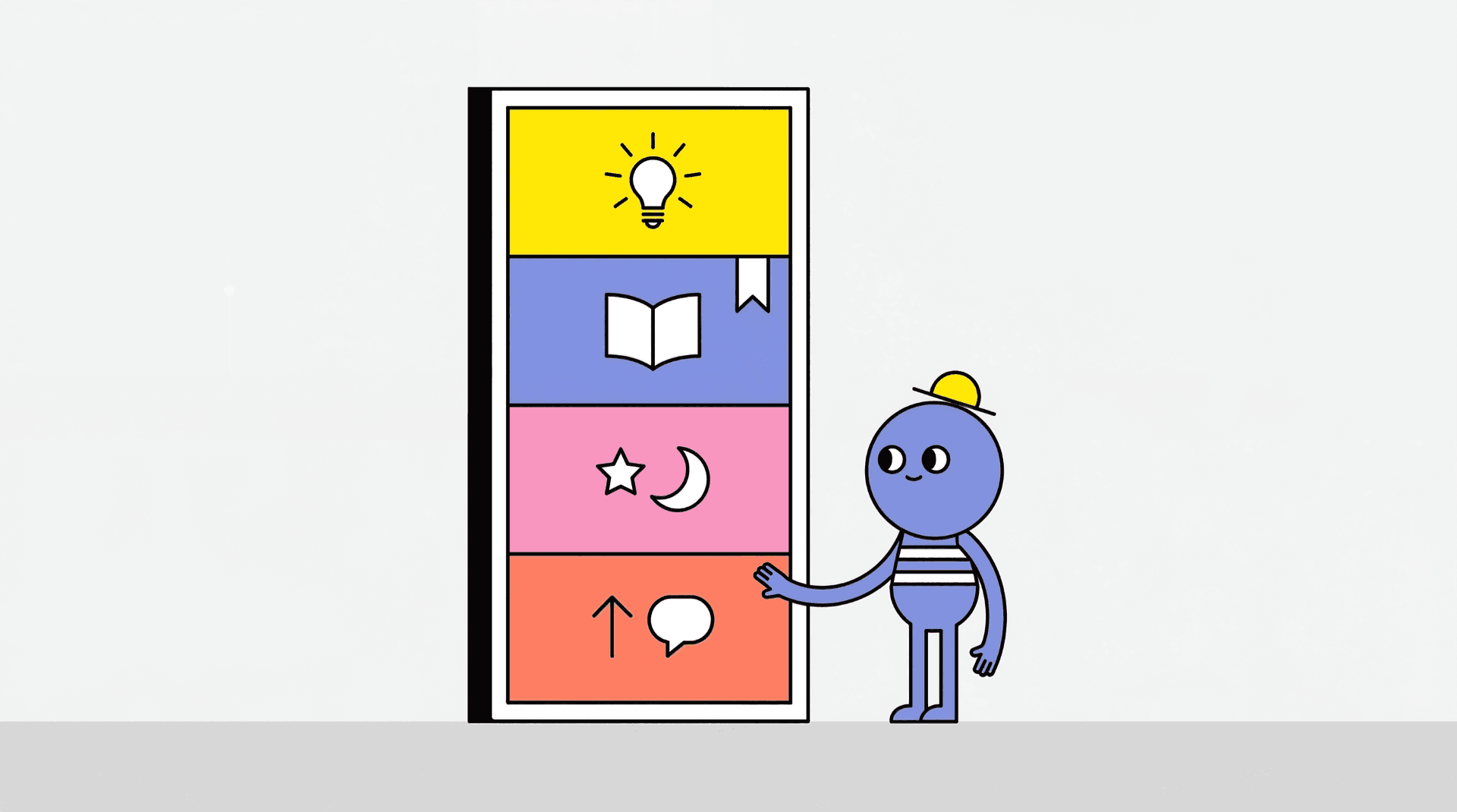
The Feedback Portal gives a SuperKitty product public pages for planning, release updates, requests, and uptime status.
Requirements
Feedback Portal belongs to the SuperKitty product plan.
The upgrade applies per product. Open SuperKitty Guide for the complete plan.
Portal modules
The portal includes:
- Roadmap
- Changelog
- Feature Requests
- Status
Each module has public pages and maker controls. The owner manages them from the Product Dashboard and the related admin page.
Default visibility
The initial portal settings are:
- Roadmap enabled
- Changelog enabled
- Feature Requests disabled
- Status disabled
The maker may change supported visibility and comment settings.
Roadmap
Roadmap organizes planned product work.
Roadmap statuses
Items may use:
- Planned
- In Progress
- Completed
- Cancelled
Maker controls
The product owner may:
- create an item
- edit its title and description
- change status
- reorder items
- delete an item
- enable or disable comments
- enable or disable the public Roadmap
Visitor controls
Eligible visitors may:
- view public items
- upvote an item
- comment if comments are enabled
Completing a Roadmap item may create a product follower notification.
Changelog
Changelog records shipped work and product updates.
An entry includes:
- title
- description
- change type
- optional version
- publication date
Changelog types
Choose:
- Feature
- Improvement
- Fix
- Breaking
- Milestone
Use Milestone for a major product achievement or release event that does not fit the other update categories.
Add from Roadmap
A Completed Roadmap item may be added to Changelog.
KittyLaunch copies the available item information into the Changelog form and records the connection. The same completed Roadmap item cannot create several Changelog entries through this control.
Changelog notifications
Publishing a Changelog entry may notify product followers.
Feature Requests
Feature Requests collects signed-in user suggestions.
Anonymous submissions are disabled.
Request settings
The maker may:
- enable submissions
- show requests publicly
- accept requests in private mode
- allow or disable comments
- reply as the maker
- hide low-quality public requests
Request statuses
Requests may use:
- Open
- Under Review
- Planned
- Shipped
- Declined
Daily submission limits help reduce abuse.
Status and uptime
The Status tab depends on uptime monitoring.
After monitoring is enabled, the public status view may show:
- current status
- last check
- 24-hour uptime
- 30-day history
- incident history
The maker may:
- enable monitoring
- pause monitoring
- resume monitoring
- run a manual check
Manual checks have a cooldown.
Product followers
The product follow relationship supports several portal notifications, including:
- completed Roadmap item
- new Changelog entry
- initial product launch
- product relaunch
Read Following Products and Product Notifications for follow controls.
Portal Health
Portal Health gives the maker a summary in the Product Dashboard.
It may include:
- new requests this week
- total open requests
- Roadmap items in progress
- Changelog activity this week
- current uptime state
- 30-day uptime percentage
Open Product Dashboard: Manage and Analytics for the wider Dashboard guide.
Portal analytics
Visits from Feedback Portal pages may appear as a Feedback Portal source in Product Analytics.
Use the same date range while comparing the portal source with All Analytics.
Manage portal content
Keep portal information current:
- move Roadmap items after status changes
- publish Changelog entries after releases
- review Feature Requests
- reply to useful submissions
- check uptime alerts
- disable public modules that are not being maintained
Related guides
- SuperKitty Guide
- Following Products and Product Notifications
- Product Dashboard: Manage and Analytics
- Troubleshooting Common Issues
FAQ
Does Feedback Portal require SuperKitty?
Yes. It is attached to a SuperKitty product.
Are all modules public at first?
Roadmap and Changelog start enabled. Feature Requests and Status start disabled.
May I accept private Feature Requests?
Yes. Enable submissions and keep the public request list disabled.
Why is Status missing?
Enable uptime monitoring for the product.
Which Changelog types are available?
Feature, Improvement, Fix, Breaking, and Milestone.