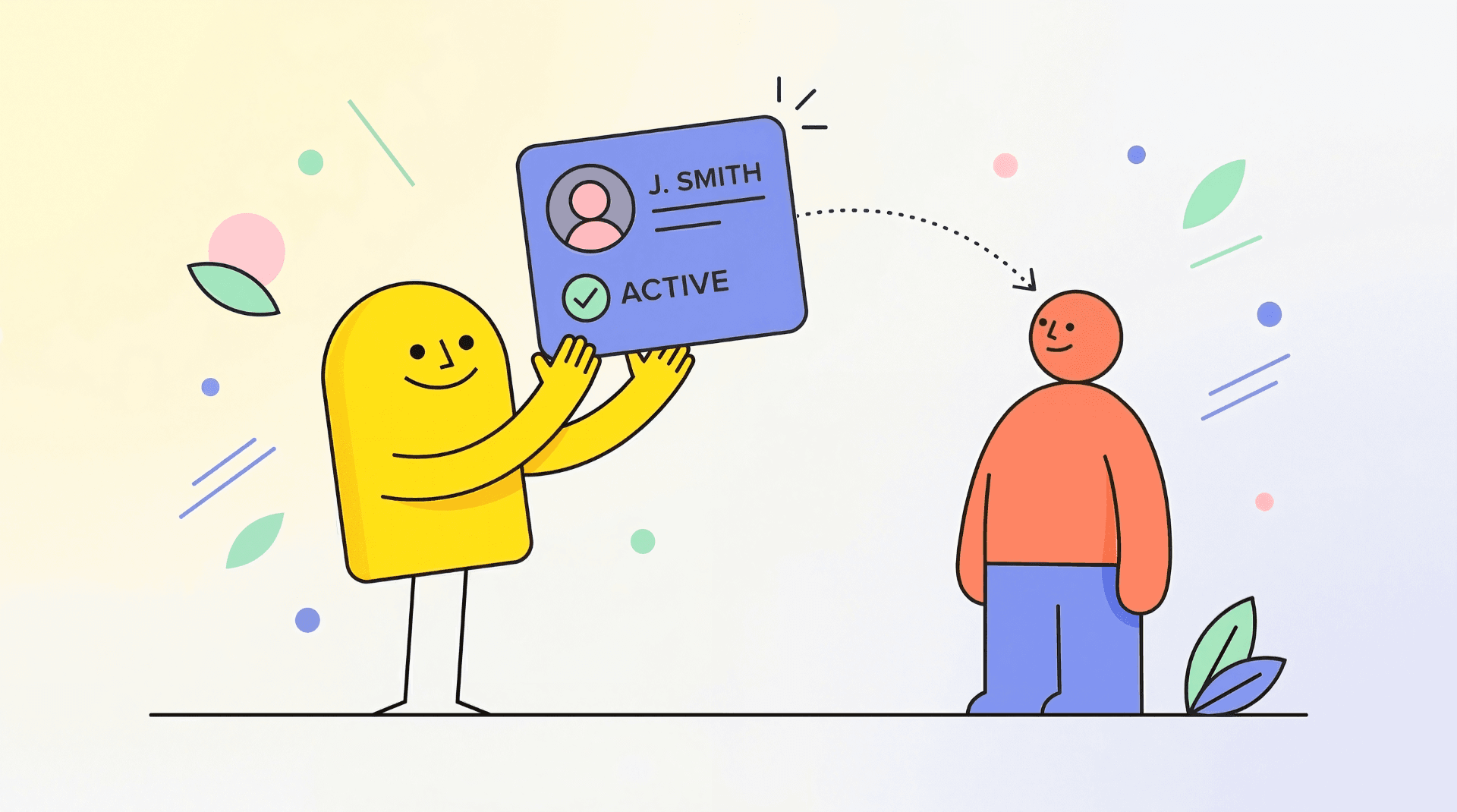
Creator profiles help users understand who is behind a product. Following creators helps users stay close to the builders they trust.
Together, these features help KittyLaunch feel more like a builder community, not only a product listing site.
This article focuses on the creator side of following. For product follows and product update notifications, read Following Products and Product Notifications.
What is a creator profile?
A creator profile is your public identity on KittyLaunch.
It can show who you are, what you build, what products you have launched, and how users can learn more about your work.
Profiles help users decide whether they trust a creator and want to follow future launches.
What your public profile can show
Your profile can include:
- display name
- username
- avatar
- bio
- website
- social links
- skills
- launched products
- active deals
- winner badges
- followers and following
- reputation level
Not every profile has every section. The profile depends on what information the creator adds and what activity exists.
Profile stats
Profiles can show stats such as:
- products launched
- upvotes earned
- upvotes contributed
- active deals
- followers
- following
- reputation level
These stats help users understand your activity on the platform.
Editing your profile
You can update profile fields such as:
- display name
- avatar
- bio
- website URL
- X URL
- GitHub URL
- LinkedIn URL
- Threads URL
- skills
Keep your profile short, clear, and current.
A good creator profile makes your launches more trustworthy.
Bio best practices
Use your bio to explain:
- what you build
- who you help
- what you are interested in
- what users can expect from your products
Avoid long sales copy.
A simple, specific bio is better than a vague one.
Products on your profile
Your profile can show products you launched.
This helps users discover your other work.
If a product is banned, deleted, or hidden, it may not appear publicly.
Deals on your profile
If your products have active deals, they may appear on your profile.
This helps users find current offers from a creator they trust.
Keep deals accurate and remove expired offers.
Winner badges on your profile
If your product wins a Weekly Award, the badge can help strengthen your creator profile.
Winner badges show launch history and community recognition.
Following creators
Following helps you keep track of creators you care about.
To follow a creator:
- Open the creator profile.
- Click Follow.
Click again to unfollow.
How following creators works
Following a creator is different from following a product.
When you follow a creator:
- you are following the person
- the relationship appears in follower and following counts
- creator follower RP can change
- you may receive notifications when that creator launches a new product
--
Launch notifications from followed creators
When you follow a creator, you may receive notifications when they launch a new product.
This helps you stay updated without manually checking every creator profile.
Best practices
- Use a real display name or consistent creator identity.
- Add a clear avatar.
- Write a short bio.
- Add only social links you actively use.
- Keep portfolio items relevant.
- Follow creators whose work you actually want to track.
- Use bookmarks to save products you may revisit, review, or compare.
FAQ
Is my profile public?
Yes, most profile information is public. Do not add information you do not want others to see.
Is my email public?
No. Sensitive account information is not shown on your public profile.
Can I change my profile later?
Yes. You can update your profile information from your account or dashboard settings.
Why is my social link rejected?
Some social fields require a valid URL from the matching platform.
Do followers give RP?
Yes. Gaining a new follower can give +2 RP.
Can follower RP be removed?
Yes. If someone unfollows you, the follower RP can be removed.
Why is a profile hidden from leaderboards?
Admins can hide users from some public surfaces for moderation or safety reasons.