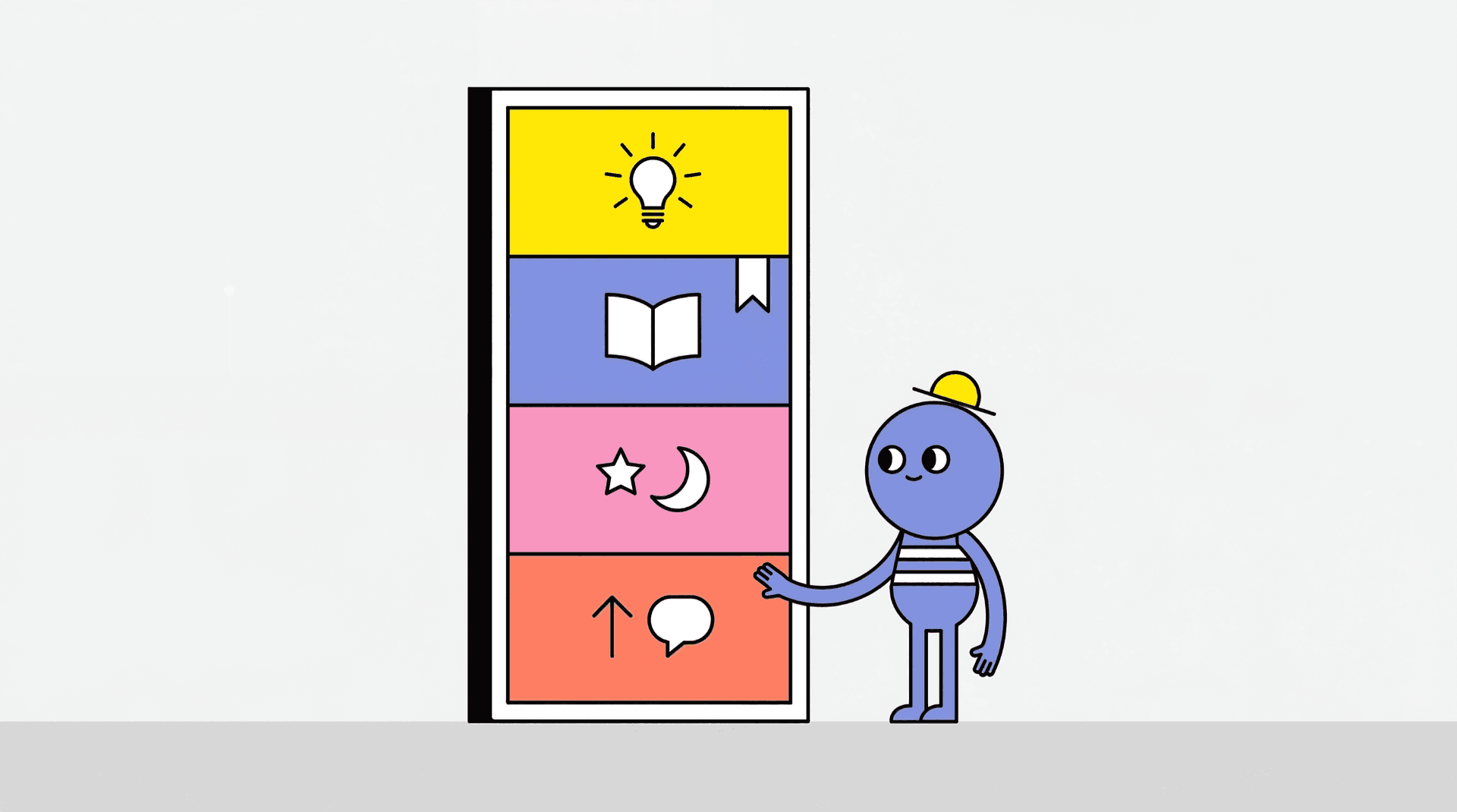
The Feedback Portal turns a KittyLaunch product into an ongoing product communication hub.
Instead of using separate tools for roadmap, changelog, requests, and status communication, the product can publish those surfaces under its own KittyLaunch product area.
What the Feedback Portal includes
The Feedback Portal can include four modules:
- Roadmap
- Changelog
- Feature Requests
- Status
These modules live under the product, not under a separate standalone site.
Who can use the Feedback Portal
The Feedback Portal is a SuperKitty feature.
If the product does not have SuperKitty, these modules are not available in the same way.
Read SuperKitty Guide for the upgrade side of the system.
Public pages and maker admin pages
Each portal module has two sides:
Public side
The public side is what normal users see.
Maker admin side
The maker admin side is where the product owner manages settings and content.
This split matters because some modules can exist privately for the maker before they are opened publicly.
Default visibility behavior
Current portal visibility is not identical across all modules.
The default pattern is:
- Roadmap on
- Changelog on
- Feature Requests off
- Status off
The maker can then adjust settings from the admin side.
Roadmap
The roadmap is the structured planning surface for the product.
Roadmap statuses
Roadmap items can move through statuses such as:
- planned
- in progress
- completed
- cancelled
What users can do on the roadmap
Users can:
- view roadmap items
- upvote items
- comment when comments are allowed
What makers can do on the roadmap
Makers can:
- create roadmap items
- edit items
- reorder items
- move items between statuses
- delete items
- disable the roadmap or comments
Roadmap shipped notifications
When a roadmap item moves into completed, product followers can receive a update notification.
Changelog
The changelog is the published record of what the product has shipped.
What a changelog entry can contain
A changelog entry can include:
- title
- description
- change type
- version
- published date
Changelog types
Entries can be classified by change type, such as:
- feature
- improvement
- fix
- breaking
Add from Roadmap
Completed roadmap items can be promoted into changelog entries.
This creates a clean workflow from planned work to shipped announcement.
Changelog follower notifications
When a new changelog entry is published, product followers can receive a changelog update notification.
Feature Requests
Feature Requests is the product’s feedback inbox.
Submission rules
Feature Requests currently use a logged in only model.
Anonymous submissions are not allowed.
Public and private request modes
Feature Requests can behave in more than one way.
The maker can:
- enable requests
- keep them public
- keep them private while still accepting submissions
- control whether comments are allowed
Request statuses
Feature Requests can move through statuses such as:
- open
- under review
- planned
- shipped
- declined
Maker replies
Makers can add a visible reply to a request and can also hide low quality requests from the public list while keeping internal control of the record.
Request rate limits
Feature Requests also include daily submission limits for abuse control.
Status and uptime monitoring
The Status module is tied to uptime monitoring.
If uptime monitoring is disabled, the public status tab does not appear.
What the status page can show
The public status experience can show:
- current uptime state
- last check
- 24 hour uptime
- 30 day history
- incident history
What makers can do
From the admin status view, makers can:
- enable monitoring
- pause monitoring
- resume monitoring
- run a manual check
Manual check has a cooldown, so it is not meant to be spammed repeatedly.
Product follow is part of the Feedback Portal system
Following a product is closely tied to portal update notifications.
That means the same follow relationship can power:
- roadmap shipped alerts
- changelog published alerts
- product launch alerts
- product relaunch alerts
This is why the Feedback Portal and product follow system should be understood together.
Read Following Products and Product Notifications for that layer.
Portal Health in the dashboard
SuperKitty products can also show a Portal Health summary in the product dashboard.
This gives the maker a quick snapshot of:
- new requests this week
- open request total
- roadmap items in progress
- changelog activity this week
- current uptime state
- 30 day uptime percentage
Read Product Dashboard, Manage, and Analytics for the dashboard view.
Best practices for makers
The Feedback Portal works best when you treat it as a living system.
Good habits include:
- keep roadmap items current
- publish changelog entries consistently
- reply to important requests
- only enable public requests when you are ready to manage them
- turn on status monitoring only when your main site is stable and monitorable
Related guides
- SuperKitty Guide
- Following Products and Product Notifications
- Product Dashboard, Manage, and Analytics
- Troubleshooting Common Issues
FAQ
Do I need SuperKitty to use the Feedback Portal?
Yes. The Feedback Portal is part of the SuperKitty product system.
Are all portal tabs public by default?
No. Current default visibility is not the same for every module.
Can Feature Requests be enabled but kept private?
Yes. The maker can accept submissions without showing the public list in the normal way.
Why is the Status tab missing?
The Status tab depends on uptime monitoring being enabled.